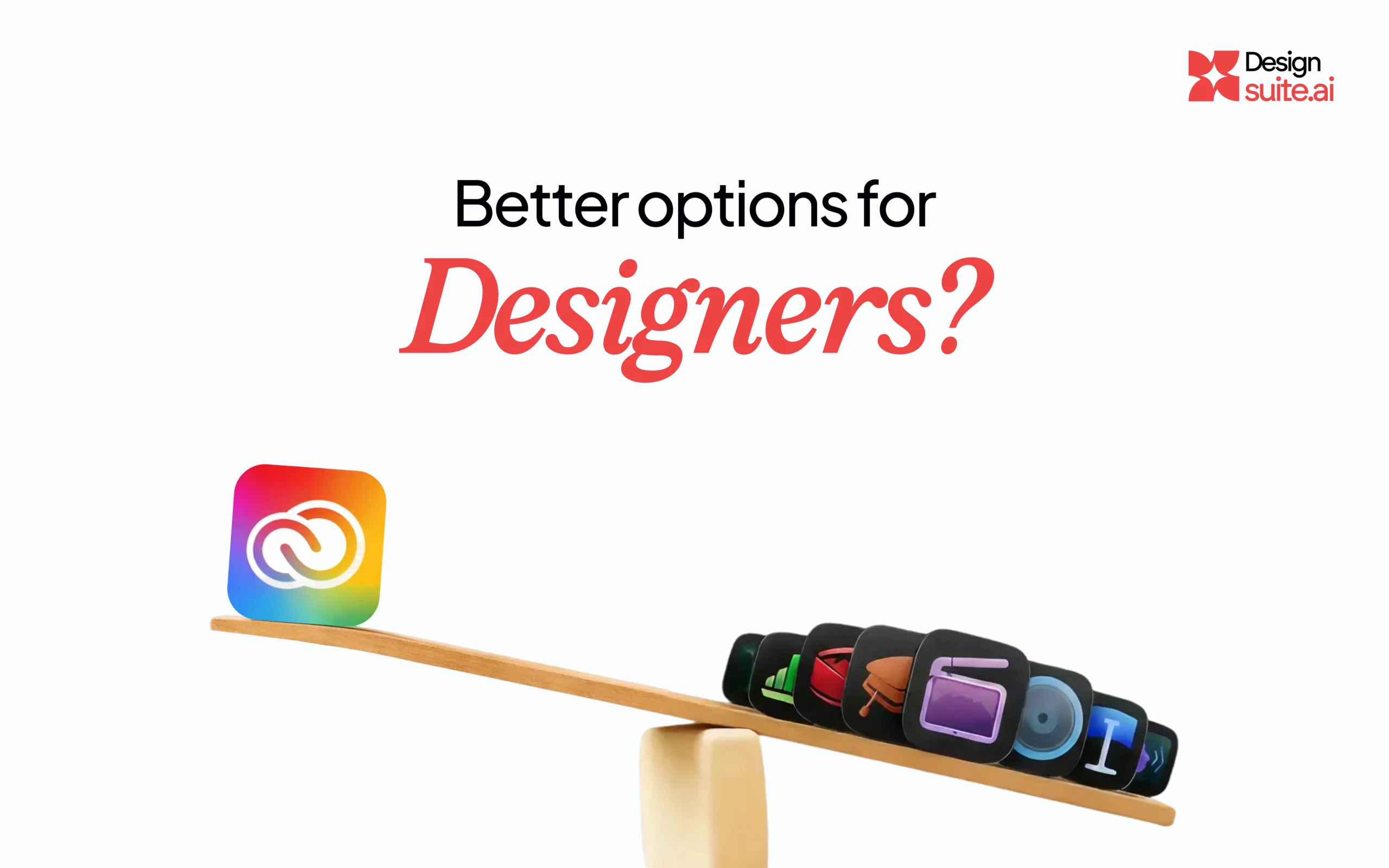
Being a designer shouldn’t feel like paying a monthly ransom. Between the big Adobe Creative Cloud bill and the smaller, separate apps you pay for just to get through a single edit, the costs are out of control. If you’re tired of juggling a handful of different subscriptions to get your work done, the ‘good news’ you’ve been waiting for has finally arrived. Apple drops a bombshell: Apple Creator Studio.
It’s the new kid on the block (well, technically the old kid with a new backpack), and the buzz is everywhere. At $12.99 a month, it’s basically the price of two fancy lattes. But the real question we’re all asking over our morning coffee is: Is it actually better for us designers, or is it just another shiny distraction?
The “Vibe Check”: Why We’re Intrigued
First off, let’s be honest: Apple knows how to make things feel good.
The bundle includes Pixelmator Pro, Final Cut, and Logic Pro. Since Apple acquired Pixelmator recently, the integration has become scary good. Opening Pixelmator on a Mac Studio feels like butter. There’s no “spinning wheel of death” while the app tries to figure out its life choices. It just… works.
For those of us who are tired of the bloat, you know, when an app takes five minutes to load just to let you crop a photo, Apple Creator Studio feels like a breath of fresh air. It’s lean. It means. And it’s built for the silicon chips we’re already using.
The “Catch” (And it’s a big one)
Here’s where we need to get real. Apple’s pricing looks amazing on paper, but let’s look at the fine print. To use Apple Creator Studio, you don’t just need $13; you need a ticket into their walled garden.
You need an Apple Account. To get the most out of that account, you need the hardware. And let’s be honest, you can’t design a professional 40-page brand guide on an iPhone screen. You’re going to need the MacBook Pro. You’re going to want the iPad Pro for the Pencil support. Suddenly, that “cheap” $12.99 subscription requires a $3,000+ entry fee in hardware.
It feels a bit like a monopoly move, doesn’t it? They’re undercutting Adobe’s software price, but they’re locking you into their silicon forever. If you decide next year that a high-end Windows workstation is better for your 3D rendering, your entire design suite and all those project files stay behind in the Apple cloud.
The “But…” (Because there’s always a but)
Here’s where it gets tricky. We’ve been “Adobe-fied” for decades. Our muscle memory is tuned to Photoshop shortcuts. Our clients expect .ai or .psd files.
Switching to a suite that relies heavily on Pixelmator Pro for design is like switching from a PC to a Mac for the first time. You’ll spend the first three days hitting the wrong keys and questioning your entire career. Pixelmator is incredible for photo editing and layout, but if you’re a vector-heavy illustrator, you might miss a “true” Illustrator equivalent in this bundle.
The iPad Factor: A Game Changer?
This is where Apple might actually win. The way this suite jumps between Mac and iPad is phenomenal. Being able to start a design at your desk and then move to the couch with an Apple Pencil to finish the fine details? That’s the dream. Adobe has iPad versions, sure, but they’ve always felt a bit like “Photoshop Lite.” Apple’s versions feel like the real deal.
The Bottom Line: Who Is It For?
At DesignSuite.ai, we think the “better” option depends on where you are in your journey:
- The Solo Content Creator: This is a no-brainer. If you’re doing video, some light design, and social media, $12.99 is a steal. You’ll save a fortune and your workflow will be lightning-fast.
- The Pro Agency Designer: We’re not ready to delete the Creative Cloud just yet. The industry standards are still deeply rooted. However, we are keeping an eye on it. Apple’s “Super Resolution” AI and background removal tools are actually outperforming some of the older tech we’ve used.
The Bottom Line for Designers
Is Apple Creator Studio a better option? It’s definitely a smarter option for your wallet. It’s a prettier option for your workflow. But is it a “complete” replacement? Not for everyone, at least not yet.
But hey, competition is good for us. It keeps the big giants on their toes and gives us more tools to play with. And at the end of the day, a tool is only as good as the person holding it (or the stylus).
What do you think? Are you tempted to make the jump, or are you staying “loyal” to the CC? Tell us in the comments! We’d love to hear if anyone has successfully moved their entire workflow over.