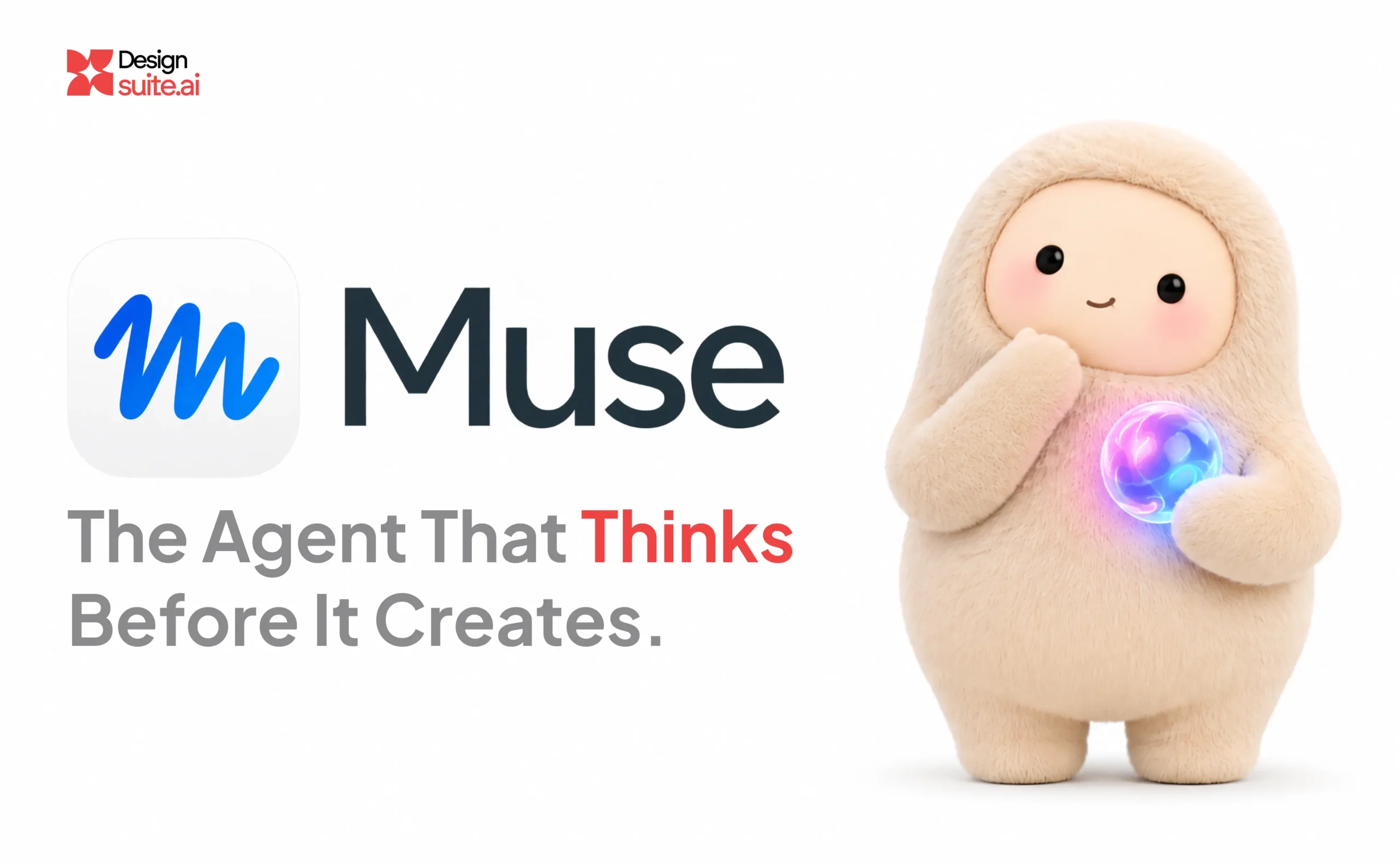
Meta Muse’s new AI tools aren’t just image generators. They’re a fundamental shift in how designers approach reference, iteration, and execution, but not without some uncomfortable caveats.
If you’ve been paying attention to the AI design space over the past year, you’ve probably felt the fatigue. Every week brings a new model, a new “revolutionary” feature, a new reason to upend your entire workflow. Most of it turns out to be incremental. Impressive in a demo, frustrating in practice.
Meta’s Muse ecosystem, however, deserves a closer look. Not because it generates prettier images (though it does), but because it approaches design tasks the way a competent collaborator would: by thinking through the problem, gathering references, and self-correcting before delivering a result.
But there’s a catch, several of them, actually. Let’s dig in.
What Muse Actually Is (And Isn’t)
Let’s clear up the Meta Muse naming confusion first, because Meta has been characteristically messy with branding.
Muse Image is Meta’s flagship image generation model, launched in July 2026 by Meta Superintelligence Labs. It’s available free in the Meta AI app, on meta.ai, in Instagram Stories in the US, and on WhatsApp in select countries.
Muse (the agent) is a separate product entirely, a personal AI agent that runs on a dedicated secure virtual machine and handles tasks like sending emails, booking travel, and managing long-term projects. It launched September 8, 2026, in the United States and September 18 in Canada—the only countries where it is available. According to Sensor Tower data, Muse passed 5 million downloads in 22 days, faster than ChatGPT’s early pace.
Muse Spark is the underlying reasoning model that powers agentic workflows, including visual tasks. It’s what makes Muse Image feel less like a prompt-to-image machine and more like a design assistant that plans before it draws.
For designers, Muse Image and Muse Spark are where the action is.
The Feature That Changes Everything: Reference Anchoring
Here’s the problem every designer knows intimately: consistency. You generate a character, a product shot, or a brand visual you love. Then you need it again, from a different angle, in a different context, with the same lighting and style. Traditional text-to-image models fail spectacularly at this.
Muse Image solves this with reference anchoring. You generate or upload a small set of anchor images—a character sheet, a location plate, a product reference—and pass them back with every subsequent render. The model uses these as visual guides, locking the subject in place while you change everything else.
According to Runway’s developer documentation and ComfyUI’s official node reference, both list the reference limit at 10 images per generation. The model composes elements from multiple input references—people, objects, clothing, styles, and environments.
The workflow is almost absurdly practical. Generate your anchors once. Then, for every new scene, you pass the relevant anchors alongside your prompt describing the action. The hero stays the hero. The location stays the location. You have full control over the entire generation.
How Does Meta Muse Compare With Midjourney and Adobe Firefly?
Muse Image isn’t entering an empty market. Designers already use tools such as Midjourney and Adobe Firefly for image generation, reference-driven creative work, and visual iteration. What makes each tool interesting is the way it approaches the workflow.
Midjourney: Visual exploration and stylistic consistency
Midjourney offers image prompts, style references, and other reference-based controls that help designers guide the appearance and content of generated images. Its Style Reference feature is particularly useful when you want to carry a visual language—such as lighting, texture, colour, or artistic treatment—across multiple assets. https://docs.midjourney.com/hc/en-us/articles/32180011136653-Style-Reference
Where Muse Image stands out conceptually is its agentic approach: searching for context, using tools, and refining generations as part of the process. Midjourney’s reference features provide strong creative direction, while Muse Image aims to make more of the generation process behave like an active collaborator.
Adobe Firefly: Controlled editing and creative workflows
Adobe Firefly offers style and composition references, as well as Generative Fill for adding or replacing selected areas of an image. These controls are valuable when a designer wants to guide a composition or make targeted edits rather than regenerate an entire scene. https://helpx.adobe.com/in/firefly/web/work-with-images/generate-images/reference-images-for-styling.html https://helpx.adobe.com/firefly/web/work-with-images/edit-images/generative-fill.html
Firefly is a natural fit for designers who already work within Adobe’s creative ecosystem. Muse Image’s differentiator, by comparison, is its emphasis on agentic generation—using tools and iterative refinement to improve the output, rather than treating every prompt as an isolated request.
So, which one should designers choose?
| Design requirement | Tool worth exploring |
| Exploring distinctive visual styles and creative directions | Midjourney |
| Reference-guided image creation and targeted visual editing | Adobe Firefly |
| Agentic generation, tool-assisted refinement, and multi-step visual tasks | Meta Muse Image |
This isn’t a universal ranking. The right choice depends on the deliverable, the level of control required, the existing design workflow, and the quality of the output. These tools also evolve rapidly, so designers should test them against the same brief rather than rely on feature lists alone.
The bigger takeaway is that reference-based generation is no longer unique to one tool. The more interesting question is how much of the creative process each system can handle reliably—and how much direction, verification, and refinement a designer still needs to provide.
Instagram as a Mood Board (Yes, Really—But It’s Gone)
This was the feature that made headlines. You could mention any public Instagram account directly in a Muse Image prompt—just type “@username”—and the model would pull photos from that profile as visual references.
For designers, this sounded quietly enormous. Client says “make it feel like our Instagram”? Tag their account. Building a concept that needs to match an existing brand’s visual language? You already have the reference library; it’s been sitting on Instagram the whole time.
Here’s the problem: Meta pulled the feature within days of launch after significant backlash.
In an official update, Meta stated: “We’ve heard the feedback that this feature missed the mark, so it’s no longer available”. SAG-AFTRA told members to opt out immediately after launch, and the Creative Artists Agency (CAA) pressed Meta directly, stating: “No one’s name, image, likeness, voice, or creative work should be used by any third party, including AI models, without clear, documented consent”.
The broader Muse Image rollout continues, but the Instagram tagging feature is gone.
Agentic Generation: It Thinks, Then It Draws
The most technically interesting thing about Muse Image is that it doesn’t just map prompts to pixels. According to Meta’s official blog, “Instead of directly mapping prompts to images, Muse Image operates as an agent: it invokes search and coding tools to improve accuracy, self-refines its own generations, and improves through scaling test-time compute”.
Code Execution
For tasks requiring precision—charts, QR codes, infographics—Muse Image writes and runs code, then conditions its image generation on the rendered output. This means the QR code in your poster actually scans, and the chart data is actually correct.
Self-refinement
Meta states: “We didn’t design this behavior. Instead, it emerged during RL training simply because self-refinement produced better images and therefore higher reward”.
Multi-turn Refinement
Muse Image maintains coherence across editing steps, refining only what you ask it to change without degrading the rest of the image.
For designers, this translates to fewer wasted generations and more usable first drafts.
Practical Applications (With Honest Caveats)
Product Photography and E-commerce
Take casual phone photos of items, pass them to Muse Image with an instruction to compose them into a sale layout. Meta’s blog notes Muse Image can help “decorate your space with real products from the web or Facebook Marketplace” in the US.
Technical and Diagrammatic Illustration
Muse Image excels at structured graphic layouts, legible typography, and scannable QR codes. Meta states: “The model also renders text sharply within your images, which means you can ask for a step-by-step guide or a detailed infographic on a specific subject, and the text will come out legible and stylized according to the look”.
Room Restyling and Visualization
Upload a photo of a space, describe the transformation, and iterate conversationally.
The caveats are real. According to ComfyUI’s documentation, Muse Image renders at about 2.5 megapixels—1:1 output at 1600×1600, 16:9 at 2048×1152. That’s plenty for social and web, but not for high-resolution print work.
The Privacy Question You Can’t Ignore
Here’s where the story gets uncomfortable.
The Meta Muse agent has been a viral hit—5 million downloads in 22 days. But there are legitimate concerns about data privacy and security. As CGTN notes: “Muse’s ability to perform cross-platform tasks requires access to large amounts of users’ personal data, raising questions about data privacy and security”.
Amazon blocked Muse from using its site, accusing Meta’s agentic software of failing to identify itself when browsing and of storing customers’ login details. Meta insists that Muse does not see passwords or payment methods.
A survey by Oppenheimer & Co. found that only eight percent of Americans would trust Meta to store their passwords for other apps—required for agents to act on their behalf—compared with 30 percent for Google.
For designers considering Meta Muse for workflow automation, this matters. The agent is powerful. It’s also asking for a level of access and context that warrants serious thought about what you’re comfortable sharing.
So, what does that mean for designers?
What makes Meta Muse interesting isn’t any single feature. It’s the philosophy. Meta built an image model that behaves like an agent—one that plans, gathers context, executes, and self-corrects.
At $0.01 per image, with flat pricing regardless of aspect ratio, output format, or number of reference images, the economics are genuinely disruptive. A 10,000-image campaign run on costs of $100.
For designers, the implication is clear: the value is shifting from execution to direction. The tool can handle more of the “how” if you can articulate the “what” and “why.”
Muse Image is free to use in the Meta AI app, which makes experimentation frictionless. Try the reference anchoring workflow on your next project. Test the multi-turn refinement on a brand asset.
But go in with your eyes open. The Instagram feature is gone, the agent has privacy questions that haven’t been fully answered, and the output still carries that suspiciously handsome AI sheen. The tools are getting smarter. The question is whether you’ll use them wisely.
At Designsuite.ai, we believe the future of design belongs to teams that combine AI capabilities with strong product thinking, creative direction, and a relentless focus on outcomes.
If you’re looking for a RaaS (Result as a Service) UI/UX design team, let’s work together.
All factual claims in this article are sourced from Meta’s official blog and developer documentation, ComfyUI documentation, Sensor Tower data via Forbes and The Next Web, and verified news reports. Statistics reflect information available as of October 2026.